MotionUI Review (2026)After Effects Plugin for UI Animation
 By Daan Haket · Researched and written with an AI assistant · who does what
The free plan leaves out the Figma import and most effects, so the main workflow needs Pro. The page text shows no refund terms, and you need After Effects (and Figma for the import) as separate products.
motion designers and product designers who animate interface screens in After Effects and want to bring Figma frames in and let Claude help build the scenes.
you do not use After Effects, you need a clear refund policy before you pay, or you want a tool we have tested ourselves.
Transparency: the “Visit” links on this page are affiliate links: we may earn a commission if you sign up, at no extra cost to you. No vendor can pay for a better review or verdict. How we make money →
Pricing (2026)
✓ Pricing re-verified 10 Nov 2026
| This tool | $19 | 2nd cheapest of 5 |
| Cheapest | $6 | ElevenLabs |
| Median | $24 | |
| Most expensive | $25 | VideoUpload |
Lowest paid entry price per account a month, billed monthly, in USD, among the 5 video tools we have researched (read between 2026-09-23 and 2026-11-10). Only tools priced in the same unit and on the same billing are compared. This is not a market survey, and cheapest is not best.
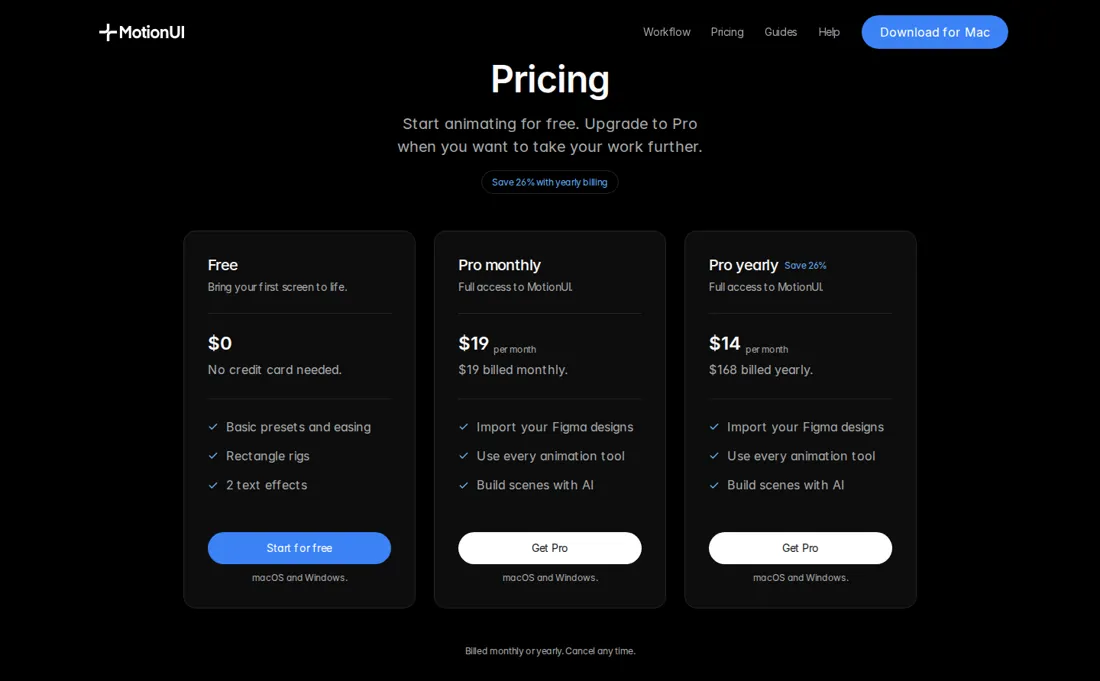
MotionUI has a Free plan and a Pro plan. Free costs $0, needs no credit card and covers basic animation presets and easing, rectangle rigs and 2 text effects. Pro costs $19 a month billed monthly, or $168 a year, which the page shows as $14 a month and a 26% saving. Pro adds the Figma import, every animation tool, all 10 text effects, the cursor builder and the Claude and Codex scene building; the page lists Premiere Pro editing through Claude as part of Pro.
Both plans run on macOS and Windows, and the page says you can cancel any time. A promo line on the site offers 1 month of Pro free with a code. The page shows no refund terms in the text we read, and links a separate refund policy page that we did not open. Whether the plugin also needs an After Effects or Figma subscription is up to those products and is not priced here.
We did not open checkout, so the tax added is not known. Plans change, so check the live price on their site before you buy.
MotionUI’s pricing page, as we read it
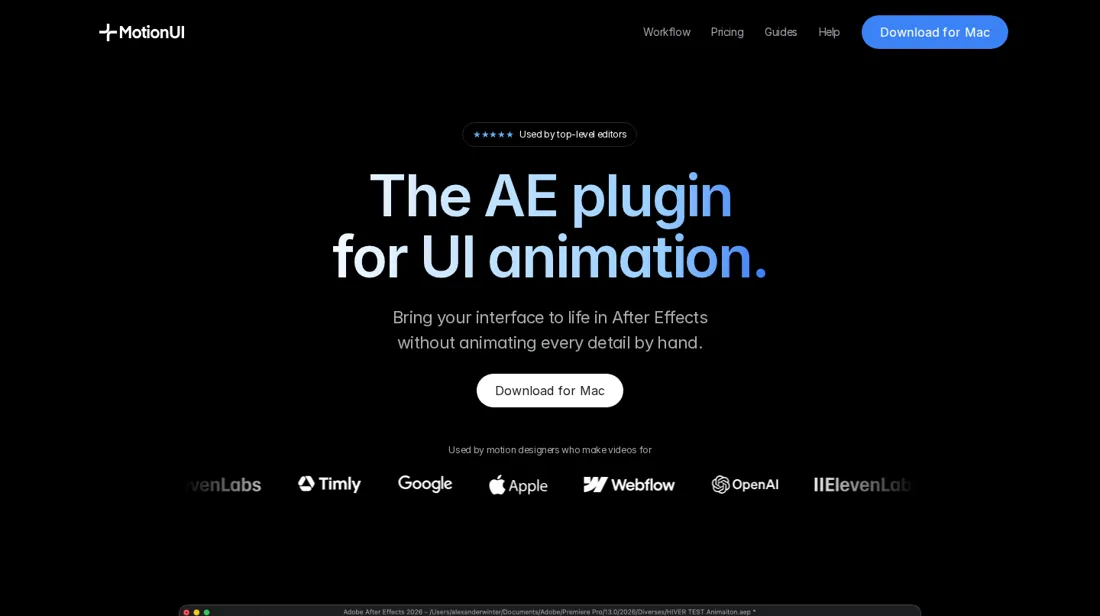
What MotionUI does
After Effects plugin for animating interface designs, with a Figma import and Claude-driven scene building, for Mac and Windows.
Pro unlocks the Figma import, all effects and the AI workflows
The Free plan lets you test the plugin in After Effects without an account, but it leaves out the Figma import, most text effects, the cursor builder and the Claude features. Pro at $19 a month or $168 a year is the plan that covers the full workflow the page describes. Yearly saves $60 against twelve monthly payments, so start monthly if you only have one project and move to yearly if you animate every month.
How to actually use MotionUI
Download MotionUI for Mac or Windows from motionui.net and install the After Effects plugin; the page links a setup guide. The Free plan works without an account or credit card. For the Figma import you add the Figma plugin and send a frame or a selection to After Effects. The site says Claude can drive the plugin and also edit in Premiere Pro. We did not install or run any of it.
Distilled from MotionUI's own homepage with its pricing section and feature table, read on 10 November 2026 with research prepared in October 2026. MotionUI is an affiliate partner of ours through Lemon Squeezy. We have not used the plugin ourselves.
The natural comparison is Adobe After Effects: After Effects is the host application, not a direct rival, and it is not one of our reviewed tools. Test the Free plan on one real screen and compare the time against keyframing it by hand.
Frequently asked questions
How much does MotionUI cost?
Per the page read on 10 November 2026, Free is $0 with no card, and Pro is $19 a month or $168 a year, shown as $14 a month.
Is there a free plan?
Yes. It covers basic animation presets and easing, rectangle rigs and 2 text effects, and the page says no account or credit card is needed.
Does it run on Windows?
The page says both plans run on macOS and Windows, with a download for Windows on ARM.
Does it need Claude?
No. The page says you can import Figma designs without Claude. The Claude and Codex features and the Premiere Pro editing are listed as Pro features.
Can I cancel?
The page says billing is monthly or yearly and you can cancel any time. It links a separate refund policy that we did not read.
What do we not know?
The refund terms, the tax at checkout, and how the plugin performs, since we have not used it.
Is this a hands-on review of MotionUI?
This is a researched assessment, not a hands-on test. Where we've used a tool ourselves, we say so explicitly. We name what each tool is good and bad at, and we earn a commission only if you sign up, at no cost to you.
- Read 2026-11-10 on motionui.net, US dollars.
- A dated screenshot of that pricing page, kept on this site as the receipt.
Others in this category
Reviewed video & audio tools that share ground with MotionUI. They are comparable in what they do, not drop-in swaps:
Also in video & audio, for browsing rather than as an alternative:
New reviews, price changes we recorded, and the cost conditions we found. No sponsored placements. Unsubscribe anytime.
This is our researched assessment, not a paid placement. The “Visit” links on this page are affiliate links: we may earn a commission if you sign up, at no extra cost to you, and it never changes our take. How we review →