Retouch4me Review (2026)Renting Wins Until Year Four
 By Daan Haket · Tested hands-on · written with an AI assistant · who does what
Work out which lane you are in before you pay, because the three lanes price the same photo very differently.
high-volume portrait, school and wedding photographers who already live in Photoshop and want repetitive retouching (skin, stray hairs, dust, teeth) automated — owning the plugins outright or renting the whole suite on credits, whichever their volume favours.
occasional editors — the two free plugins, the free applications and a $24 pack of 100 cloud retouches cover light use; or anyone unwilling to do the three-lane maths, because picking the wrong lane here easily doubles what the same workflow costs.
AIBuilder20 — 20% off Retouch4me pluginsCompare in the AtlasSee our test ↓Transparency: the “Visit” links on this page are affiliate links — we may earn a commission if you sign up, at no extra cost to you. No vendor can pay for a better review or verdict. How we make money →
Online Retouch (retouch4.me/onlineretouch) on a partner test account holding 300 retouching credits, 10 culling credits and 10 colour credits; one JPEG uploaded, meter read before and after.
- One upload cost exactly one retouching credit: the counter went from 300 to 299. The charge is taken on upload, before you see the result, and it was taken for a non-portrait image (a UI screenshot) just the same.
- That single credit ran eight plugins in one pass: Heal, Mattifier, Dodge & Burn, Portrait Volumes, Skin Tone, Eye Vessels, Eye Brilliance and White Teeth were all switched on by default; Fabric and Clean Backdrop off. So 1 retouch = 1 credit regardless of how many plugins run holds for the web tool.
- The six sample photos on the page can be tried without spending a credit; the counter stayed at 300.
Pricing (2026)
✓ Pricing re-verified 26 Sep 2026
| Plan | Price | What you get |
|---|---|---|
| Start | $169 a year | 2,400 retouch credits, 108,000 culling credits, 20GB storage, unlimited AI colour correction |
| Pro | $299 a year | 6,000 retouch credits, 300,000 culling credits, 40GB storage, unlimited AI colour correction |
| Business | $759 a year | 18,000 retouch credits, 1,200,000 culling credits, 100GB storage, unlimited AI colour correction |
Summarised from the pricing notes below; the notes carry the conditions.
Three ways to pay. (1) Perpetual plugin licences, one-time. The photo collection is fifteen plugins: $145 for Heal, Crop, Face Make, Portrait Volumes, Skin Tone, Skin Mask, Mattifier, White Teeth, Eyes Bundle, Stray Hairs, Fabric, Dust and Color Match; $179 for Dodge & Burn and Clean Backdrop. Outside that collection: Lab $145, Mask Anything $29, the Vectorscope panel $30, video plugins from $124 and 3D LUT Creator Pro from $99.
A four-plugin portrait stack (Heal, Crop, Dodge & Burn, Clean Backdrop) is $648 at list. Time-boxed sales run alongside the list: on 7 Sep 2026 Heal showed $108.75 (25% off $145) under a 'Workflow Revamp' promotion putting a different plugin on 25% off each Tuesday of the month. (2) Subscriptions, which include the full plugin set: Start $169 a year, Pro $299, Business $759 — a 'limited offer' against list rates of $20/$35/$90 a month, restated on the cards as $14.08/$24.92/$63.25 a month.
Full pricing notes (3 more paragraphs)
They carry 2,400/6,000/18,000 retouching credits and 108,000/300,000/1,200,000 culling credits a year, 20/40/100 GB of MyShot storage, unlimited AI colour correction with batch processing, and a 14-day money-back guarantee that holds while you have used up to 500 retouches. 1 retouch = 1 credit regardless of how many plugins run on the image, and unused credits roll over up to 5 years while the subscription stays active.
(3) Credit packs without a subscription: $24 for 100 retouching credits (plus 9,000 culling credits), $59 for 300 (25,000) and $179 for 1,200 (100,000) — $0.24, $0.20 and $0.15 a retouch, each with unlimited AI colour correction for 30 days after purchase. Free: a trial pack of 20 cloud photo retouches on sign-up (no card, seen in the account on 8 September 2026), the Frequency Separation and Color Match Free plugins, the Apex, Photoshop Panel and Arams applications, a Try Demo on every paid plugin, and free cloud retouches for uploading RAWs to their RAW Bank.
Re-read 26 September 2026: subscriptions, packs and plugin prices unchanged. New on the page: each subscription now also lists Generative credits (4,800, 12,000 and 43,200 a year on Start, Pro and Business), and a 'Generation Packs' tab sells them one-time at $20 for 2,000, $75 for 10,000 and $132 for 24,000 - while the Start card itself says generative features are 'coming soon in Apex v1'.
Plans change — always verify the live price on their site.
AIBuilder20 — 20% off Retouch4me plugins, exclusive to AIBuilder Marketplace readers. Buy a subscription through our link with the code and you also get bonus retouch credits on top of the discount. How many depends on the plan you pick: Start gives 500 credits, Pro 1200, Business 3600. Retouch4me sent us those three figures in plain text on 6 Aug 2026, which replaces the earlier answer that the amount simply varies — so these are numbers you can hold them to. Confirmed by Retouch4me in writing on 27 Jul 2026: the code has no expiry date. One caveat while the autumn promotion runs. Retouch4me is discounting a single plugin each week: Skin Tone 8-14 Sep and Clean Backdrop 15-21 Sep at 25%, Portrait Volumes 30% until 30 September, Fabric 30% on 1-7 October and Dust 35% on 8-14 October 2026. On that one plugin, in its own week, the sale beats our 20%. Retouch4me's partner mail of 25 September says the increased discount applies to buyers who use a partner code; we have not tested at checkout whether that means the sale rate or the sale plus our 20%, so if you are buying exactly that week's plugin on its own, compare the price with and without the code before you pay. For a subscription the code is still the better route, because that is where the bonus credits sit, and it stays the better route for every plugin that is not the current week's.Vendor-confirmed: Confirmed in writing by Retouch4me, 6 Aug 2026. Not tested by us at a checkout. Claim the deal →
What the price did
We capture Retouch4me’s own pricing page every month and keep the figures, so this is our record of the page — not a forecast, and not someone else’s summary.
Our 23 July 2026 reading recorded cloud retouching without a subscription at a flat $0.10 a photo. On 7 September 2026 that rate is gone: the same lane is sold in packs at $0.24, $0.20 and $0.15 a retouch, so the cheapest way to buy cloud retouching outside a subscription is now half as much again as the rate we recorded, and the dearest is well over twice it. The July reading also caught a 30%-off 'high season sale' ($101.50 and $125.30 on the $145 and $179 plugins); on 7 September a different promotion was running — Heal at $108.75, 25% off, with the page announcing a new plugin at 25% off every Tuesday of the month. Neither is the list price, and both were time-boxed. The subscription rates ($169/$299/$759) and the plugin list prices ($145 and $179) are unchanged between the two readings. The rolling promotion has since been given a name and fixed dates. Retouch4me's own newsletter of 11 September 2026, forwarded to us through Awin, sets out "Fall Plugin Weeks": one plugin at 25% off per week — Skin Tone 8-14 September, Clean Backdrop 15-21 September and Portrait Volumes 22-30 September, so the last of the three ends on 30 September 2026. We opened the plugin page ourselves on 11 September and found exactly one SALE badge on it, on Skin Tone, which is the plugin that week's slot names; the list on that page prints no prices, so the 25% is the vendor's figure and not our own reading. Against the list prices it works out at $108.75 for Skin Tone and Portrait Volumes and $134.25 for Clean Backdrop.
What the pricing page doesn’t say
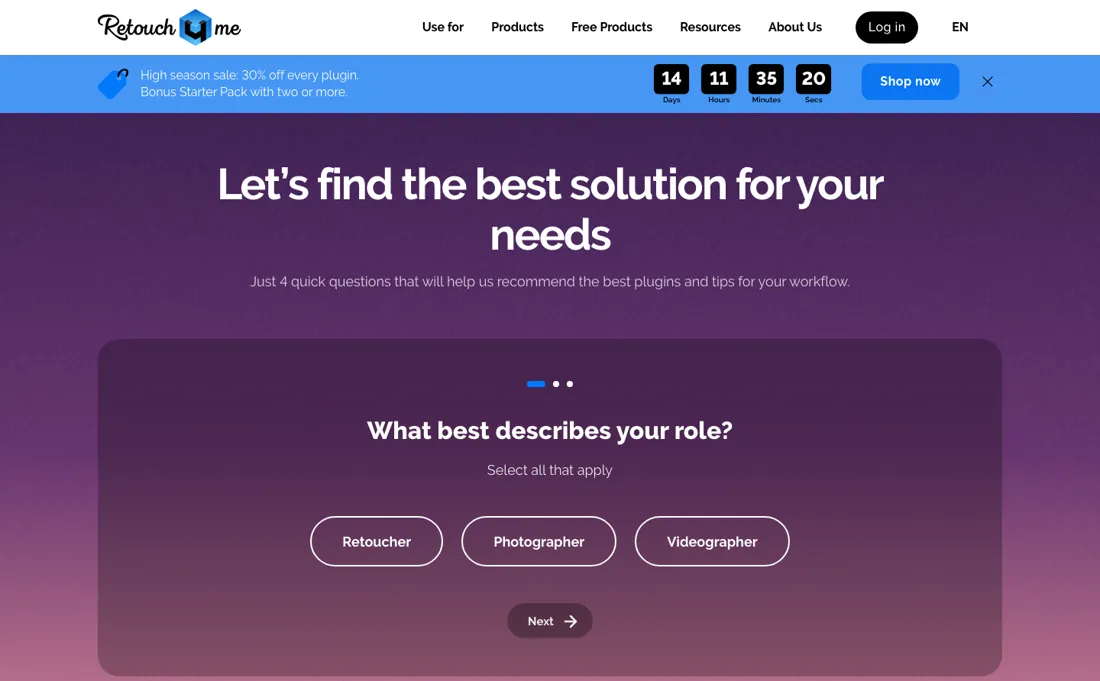
One plugin forever at $145 is honest value — but a working portrait stack means four plugins at $145-$179 each, $648 in total, while the Start subscription hands you the entire set for $169 a year with 2,400 retouches included. The catch cuts the other way too: own-forever versus keep-paying is the real decision, since the credits' 5-year rollover only holds 'while the subscription is active' — stop paying and the suite and the stockpile are gone.
Low volume? Cloud retouching without a subscription is sold in packs, $24 for 100 retouches, and at $0.15 to $0.24 a photo it is the dearest lane per image, not the cheapest.
Watch the video review
The video version of this review, from our YouTube channel.
⚡ Short on time? Watch the 30-second verdict Short.
What Retouch4me does
AI retouching plugins for photographers (Photoshop-compatible, Mac/Windows), sold as perpetual licences per plugin, as full-suite subscriptions with retouch credits, or as cloud retouching in credit packs. Free to try first: two free plugins, three free apps and a demo on every paid plugin.
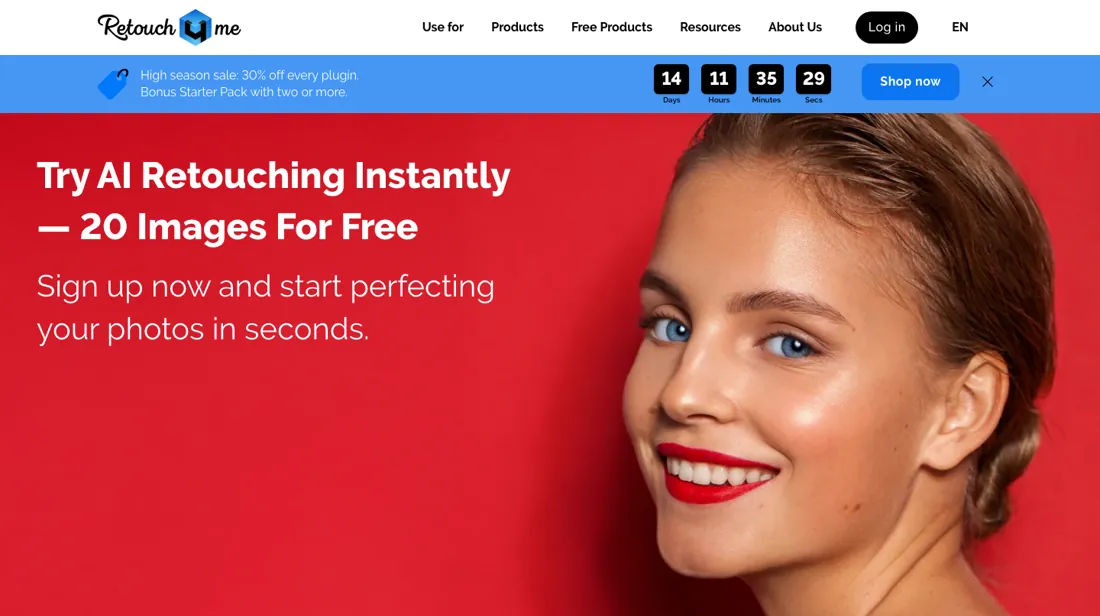
What buyers report about Retouch4me
Hands-on: tested 2026-09-08Reported by buyers: G2, SoftwareWorld and photography reviews, read August 2026
Themes from the buyer-review sites listed at the foot of this page, read in August 2026. We tested Retouch4me ourselves on 2026-09-08, but one test is a narrow sample, so here is what other buyers report. We summarise it here because the complaints are usually the part a vendor page leaves out.
- • It preserves texture rather than producing the plastic-skin look most AI retouchers give you — that is the reason professional retouchers use it.
- • Works standalone and as a plugin for Photoshop, Lightroom and Capture One, and the lifetime licence gives unlimited local processing with no subscription.
- • Every plugin is sold separately at roughly $145-$179 each. Heal, Dodge & Burn and the eye tools are separate purchases, so a working set costs several hundred.
- • Cloud processing is credit-based from $20/month for about 200 retouches ($0.10 falling to $0.06 an image) — a second, ongoing cost if you do not buy licences.
- • The independent review base is thin; PeerSpot has collected none at all. Judge it on your own trial rather than on the scores.
Owning beats renting after 3.8 years
Three ways to pay, and they price the same photograph so differently that picking the lane matters more than picking the tier (read on their pricing and product pages on 7 September 2026). Buy outright and the plugins are one-time. The photo collection is fifteen plugins: thirteen at $145 — Heal, Crop, Face Make, Portrait Volumes, Skin Tone, Skin Mask, Mattifier, White Teeth, Eyes Bundle, Stray Hairs, Fabric, Dust and Color Match — with Dodge & Burn and Clean Backdrop at $179 each.
A working portrait stack of Heal, Crop, Dodge & Burn and Clean Backdrop is $648. Subscribe and you get the entire plugin set plus a yearly retouch allowance. Start is $169 a year, Pro $299 and Business $759, a limited offer against list rates of $20, $35 and $90 a month that the page also restates as $14.08, $24.92 and $63.25 a month. They carry 2,400, 6,000 and 18,000 retouching credits a year, 108,000 to 1,200,000 culling credits, and 20/40/100 GB of storage.
One photo is one credit however many plugins you run on it. That sets up the comparison that matters. Four plugins cost $648 to own; Start costs $169 a year and includes all fifteen plus 2,400 retouches. Renting is cheaper than owning for the first 3.8 years, and ownership only wins after that — and only if you would still want the same four plugins in year four. In a category where the models are being retrained, that is the bet you are placing.
The third lane has moved, and it moved the wrong way for light users. Cloud retouching without a subscription is now sold in packs: $24 for 100 credits, $59 for 300 and $179 for 1,200, which is $0.24, $0.20 and $0.15 a retouch against $0.070 on Start, $0.050 on Pro and $0.042 on Business. The best pack rate is more than twice the cheapest subscription's, and the $179 Extended Pack costs $10 more than a whole year of Start while delivering half the retouches and none of the plugins.
Packs only win below roughly 800 retouches a year: two Advanced Packs plus two Starter Packs cover 800 retouches for $166, while 900 takes three Advanced Packs at $177 — more than a full year of Start. What no tier buys is permanence, and the exit clause is sharper than it reads. Unused credits roll over for up to five years, but only 'while the subscription is active', so a photographer who banks two quiet years and then pauses for a season loses the stockpile and the plugin set together.
The 14-day money-back guarantee carries its own condition: it holds while you have used up to 500 retouches.
Our monthly capture read this vendor's pricing page in September 2026 and again in October 2026, and the amounts were the same both times, including $145, $169, $299 and $759 from the pricing above. We keep watching — the registry records what moves.
What we found running Retouch4me ourselves
The first findings are at the top of this page. The rest:
- The account page offers a free trial pack of 20 cloud retouches without a card, which the public pricing page does not mention.
- Not tested: Apex, Arams and the Photoshop Panel (desktop apps) and the culling and colour credits.
Most of our reviews are researched rather than run — how we review explains which is which, and why we do not pretend otherwise.
How to actually use Retouch4me
Use the free route first, and use it properly. Frequency Separation and Color Match Free are permanently free plugins, Apex, the Photoshop Panel and Arams are free applications, and every paid plugin has a Try Demo button. Spend that trial on your most difficult work — the skin you would normally spend twenty minutes on, not the shot that was already clean — because that is the only thing that tells you whether the models suit your subjects.
Then count retouches over a year, honestly, across a real season rather than a busy week. Below roughly 800 a year the credit packs cost less in total than a subscription — 800 retouches is $166 in packs against $169 for a year of Start — and above that Start wins on total cost as well as per retouch, and hands you the whole plugin set with it. The packs are the expensive lane per photo, not the cheap one — $0.15 at best against $0.070 on Start.
Decide the ownership question before you subscribe rather than after. Four plugins outright is $648 and yours forever; Start is $169 a year, and everything, including any credits you have banked, disappears when you stop paying. Renting is cheaper until year four. If you take a subscription, use the money-back window while you are still under 500 retouches, because that is the condition attached to it.
Where this section comes from: our research notes (395 words)
retouch4.me/pricing read in a browser on 7 September 2026, with the Pay-as-you-go / Annual control on the 'Subscription & Packs' block operated in both positions — they are two different offers, not two views of one, and the served page shows only the Annual one: Annual gives Start/Pro/Business at $169/$299/$759 with their credit and storage allowances, Pay-as-you-go gives the Starter, Advanced and Extended credit packs at $24/$59/$179 with their per-retouch rates printed on the cards.
The plugin list prices come from retouch4.me/products/retouch-plugins, read the same day and item by item, which is where the $145-versus-$179 split and the live sale on Heal ($108.75, 'Regular price $145.00') are visible; the pricing page itself only says 'from $145'. Two notes for a re-read. The site does not answer on retouch4me.com — the domain that resolves is retouch4.me — and retouch4.me/faq returns a 404 while the FAQ heading at the foot of the pricing page renders with no items under it, so the plan conditions (the 5-year rollover 'while the subscription is active', the 14-day money-back 'when you use up to 500 retouches', '1 retouch = 1 credit') have to be taken from the small print inside the plan cards themselves.
No page read on this date advertises the 20 free cloud retouches on sign-up that we recorded in July; the free routes now visible are the two free plugins, the three free applications (Apex, Photoshop Panel, Arams), a Try Demo on every paid plugin, and cloud retouches earned by uploading RAWs to the RAW Bank. Re-read 26 September 2026 by plain fetch of retouch4.me/pricing, whose served HTML carries every tab: Start $169, Pro $299 and Business $759 billed yearly against $20, $35 and $90 a month, restated as $14.08, $24.92 and $63.25; 2,400/6,000/18,000 retouching and 108,000/300,000/1,200,000 culling credits; packs at $24, $59 and $179 ($0.24, $0.20 and $0.15 a retouch); plugins from $145 and video plugins from $124; the 14-day money-back guarantee while under 500 retouching credits.
New: Generative credits on every subscription (4,800/12,000/43,200 a year) and Generation Packs at $20/2,000, $75/10,000 and $132/24,000, one-time, next to the card's own line that generative features are coming soon in Apex v1. The rendered cards say unused credits roll over for up to 5 years; a second copy of the plan terms embedded in the same page says 5 months, which is why the buyer answer below flags it.
The natural comparison is Evoto — the credit-based AI retouching desktop app — Evoto bundles everything in one interface paid per export credit, Retouch4me offers lifetime plugins, a credit subscription or pay-per-photo; high volume favours owning the plugins, low volume favours credits. Verify both current price lists yourself..
Frequently asked questions
What are the Generative credits on Retouch4me's subscriptions?
Credits for features that are not out yet. Read 26 September 2026, the subscription cards add 4,800, 12,000 and 43,200 Generative credits a year to Start, Pro and Business, and a separate Generation Packs tab sells them one-time at $20 for 2,000, $75 for 10,000 and $132 for 24,000 - but the Start card itself says generative features are 'coming soon in Apex v1'. Treat the subscription credits as a bonus and do not buy a pack until there is something to spend it on.
Do unused retouching credits expire?
Not quickly, while you keep paying. The subscription cards (read 26 September 2026) say unused credits roll over for up to 5 years while the subscription is active; a second copy of the plan terms embedded in the same page says 5 months, so get the figure confirmed before you bank a large balance. Either way they end when the subscription does. Credit packs are separate: $24, $59 or $179 once, for 100, 300 or 1,200 retouches, with no subscription behind them.
Can I get a refund on a Retouch4me subscription?
Within 14 days, if you stay under 500 retouches. Each subscription card on the pricing page (read 26 September 2026) promises a 14-day money-back guarantee when you use up to 500 retouching credits. Start includes 2,400 retouches a year, so 500 is about a fifth of the smallest allowance; go past it in the first fortnight and the guarantee no longer applies, so judge the output early rather than at the end of the window.
Is this a hands-on review of Retouch4me?
Yes. We tested Retouch4me ourselves on 2026-09-08; the section above says what we tested, what we found and what we did not test, and where a figure comes from the vendor's own documentation instead. Most of our reviews are researched rather than run; we say which is which. We name what each tool is good and bad at, and we earn a commission only if you sign up, at no cost to you.
- Buyer reviews on G2, SoftwareWorld and photography reviews, read August 2026.
- Read 2026-09-07 on retouch4.me/pricing, and re-read 8 September 2026 while signed in: the signed-in tariff page shows the same three yearly cards, no member-only rate and retouch4.me/products/retouch-plugins.
- A dated screenshot of that pricing page, kept on this site as the receipt.
- Our own hands-on session with Retouch4me (2026-09-08), written up in full further down this page.
Others in this category
Reviewed design & content tools that share ground with Retouch4me — comparable in what they do, not drop-in swaps:
New reviews, price changes we recorded, and the cost conditions we found. No sponsored placements. Unsubscribe anytime.
This is our researched assessment — not a paid placement. The “Visit” links on this page are affiliate links: we may earn a commission if you sign up, at no extra cost to you, and it never changes our take. How we review →