Home › Comparisons › WebinarGeek vs Livestorm
HONEST COMPARISONWebinarGeek vs Livestorm
Two tools, one job. Here is the trade-off as our research found it — no winner-by-default, no invented numbers.
Side by side
| PRICING | (2026) Free trial. | The free plan is capped (20-minute webinars, up to 30 attendees); real use lands on paid plans around $99–$299+/mo, billed by 'active contacts' — the people who register or join your events (2026). |
| GENUINELY BEST FOR | marketing and sales teams running live and automated webinars in Europe who want a polished, GDPR-friendly platform with viewer-tier pricing | B2B SaaS teams running polished, no-download product demos and webinars who want strong analytics and CRM integrations |
| SKIP IT IF | you run occasional small webinars (your video-call tool may cover it), or you need the CRM and localization features that sit behind paid add-ons | you're a solo creator or small business on a budget, or you mainly need evergreen/automated webinars — the per-host, per-contact pricing and missing automation hurt there |
| THE HONEST KNOCK | The friendly €49 headline is the annual rate for just 50 viewers, and the real cost lives in add-ons: localization, the AI assistant, CRM integrations and extra workspaces are each €20-59 a month on top. | It gets expensive fast: per-host fees and active-contact limits push solo users and small teams out, and there are no native email/SMS reminder sequences or strong evergreen/simulated-live webinars, so you'll bolt on ot… |
See them side by side
The verdict
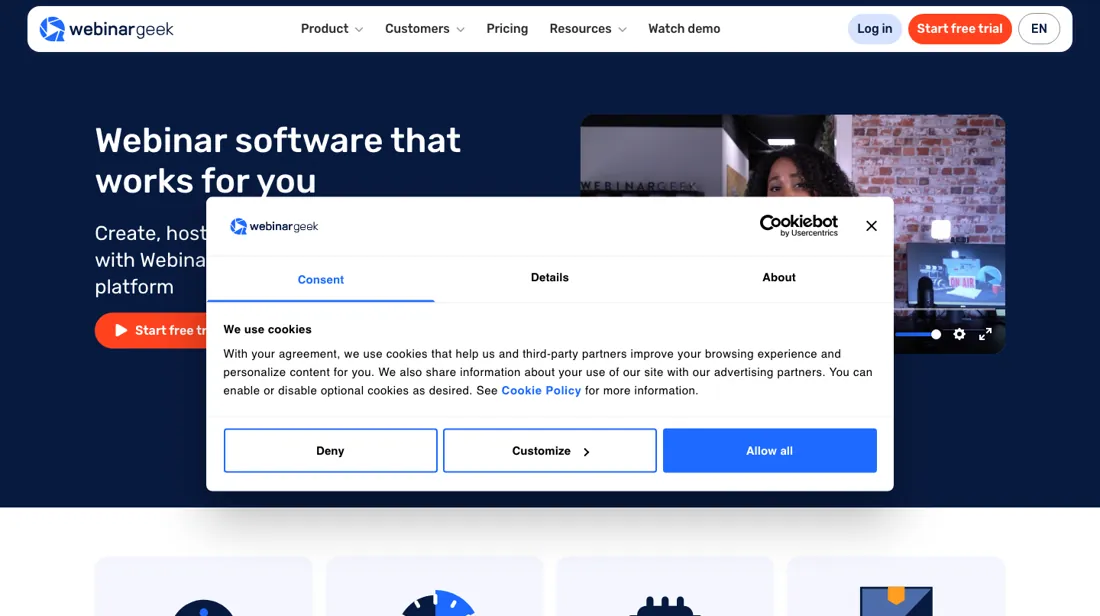
Pick WebinarGeek if you’re marketing and sales teams running live and automated webinars in Europe who want a polished, GDPR-friendly platform with viewer-tier pricing. Walk away if you run occasional small webinars (your video-call tool may cover it), or you need the CRM and localization features that sit behind paid add-ons — in that case the comparison above tells you where to look instead.
Try WebinarGeek →Read the full WebinarGeek review
Questions people actually ask
Which is better, WebinarGeek or Livestorm?
There is no universal winner — it depends on the job. Livestorm is the browser-based all-rounder; WebinarGeek is the European specialist with strong automation — watch the per-add-on pricing as your needs grow
Is WebinarGeek worth it in 2026?
WebinarGeek is genuinely best for marketing and sales teams running live and automated webinars in Europe who want a polished, GDPR-friendly platform with viewer-tier pricing. Skip it if you run occasional small webinars (your video-call tool may cover it), or you need the CRM and localization features that sit behind paid add-ons.
What is the honest downside of WebinarGeek?
The friendly €49 headline is the annual rate for just 50 viewers, and the real cost lives in add-ons: localization, the AI assistant, CRM integrations and extra workspaces are each €20-59 a month on top.
More honest comparisons same category
This comparison is our researched assessment — not a paid placement. Some links are affiliate links: we may earn a commission if you sign up, at no extra cost to you, and it never changes the take. How we review →