Home › Comparisons › accessiBe vs UserWay
HONEST COMPARISONaccessiBe vs UserWay
Two tools, one job. Here is the trade-off as our research found it — no winner-by-default, no invented numbers.
In the dossier the field is broader: “UserWay or a manual WCAG audit” — this page focuses on the most common head-to-head.
Side by side
| UUserWay | ||
|---|---|---|
| PRICING | (2026-08-07, read on their own pricing page) Four tiers for accessWidget, priced per monthly website visits and billed yearly: Micro $490/year up to 5,000 visits a month, Growth $1,490/year up to 30,000, Scale $3,990/ye… | No full dossier yet — verify on their site. |
| GENUINELY BEST FOR | small and medium sites on ordinary CMS templates whose owners want a visible, cheap first step — contrast, text sizing, keyboard hints and an accessibility statement — and who understand they are buying an aid rather than conformance. The visit-based tiers are honest for that use: at 5,000 visits a month $490 a year is real money but not a project budget, and the Scale tier is the only one that includes any human testing at all. | No full dossier yet — verify on their site. |
| SKIP IT IF | you need actual WCAG conformance, are responding to a demand letter, or run a complex web app with custom components — in all three the money belongs in an audit and code fixes, and an overlay will not stand in for either. Skip it too if you are shopping on the promise of automatic compliance: that specific promise is what the FTC ordered the company to stop making without evidence, so treat any version of it you still see as a reason to look harder, not to buy. | No full dossier yet — verify on their site. |
| THE HONEST KNOCK | The thing you most need to know about this product is not on its pricing page, it is on the FTC’s. | No full dossier yet — verify on their site. |
See them side by side
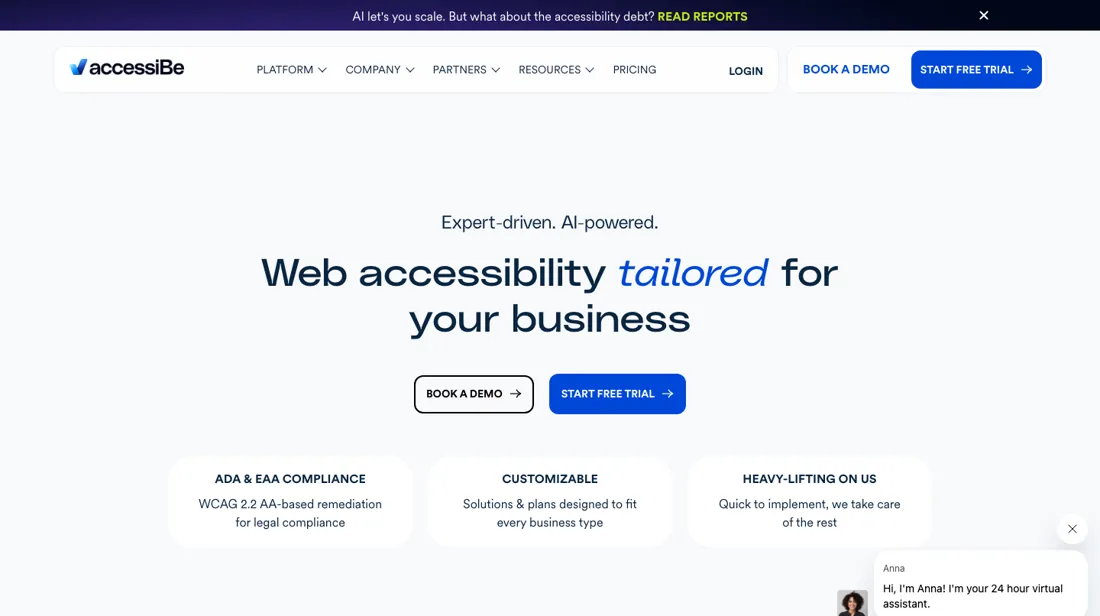
The verdict
Pick accessiBe if you’re small and medium sites on ordinary CMS templates whose owners want a visible, cheap first step — contrast, text sizing, keyboard hints and an accessibility statement — and who understand they are buying an aid rather than conformance. The visit-based tiers are honest for that use: at 5,000 visits a month $490 a year is real money but not a project budget, and the Scale tier is the only one that includes any human testing at all.. Walk away if you need actual WCAG conformance, are responding to a demand letter, or run a complex web app with custom components — in all three the money belongs in an audit and code fixes, and an overlay will not stand in for either. Skip it too if you are shopping on the promise of automatic compliance: that specific promise is what the FTC ordered the company to stop making without evidence, so treat any version of it you still see as a reason to look harder, not to buy. — in that case the comparison above tells you where to look instead.
Try accessiBe →Read the full accessiBe review
Questions people actually ask
Which is better, accessiBe or UserWay?
There is no universal winner — it depends on the job. the two honest comparisons, and they are not the same choice. UserWay is the other large overlay vendor and the like-for-like alternative; we have not read its price list ourselves, so verify it rather than taking a number from a comparison site — including ours. The real comparison, though, is against paying an accessibility specialist to audit and fix the site. That costs more up front and produces no widget, but it is the only route that changes what a screen-reader user actually encounters and the only one that stands up if conformance is ever tested. Our figures here were read on 2026-08-07.
Is accessiBe worth it in 2026?
accessiBe is genuinely best for small and medium sites on ordinary CMS templates whose owners want a visible, cheap first step — contrast, text sizing, keyboard hints and an accessibility statement — and who understand they are buying an aid rather than conformance. The visit-based tiers are honest for that use: at 5,000 visits a month $490 a year is real money but not a project budget, and the Scale tier is the only one that includes any human testing at all.. Skip it if you need actual WCAG conformance, are responding to a demand letter, or run a complex web app with custom components — in all three the money belongs in an audit and code fixes, and an overlay will not stand in for either. Skip it too if you are shopping on the promise of automatic compliance: that specific promise is what the FTC ordered the company to stop making without evidence, so treat any version of it you still see as a reason to look harder, not to buy..
What is the honest downside of accessiBe?
The thing you most need to know about this product is not on its pricing page, it is on the FTC’s.
More honest comparisons same category
This comparison is our researched assessment — not a paid placement. Some links are affiliate links where an active partnership exists: we may earn a commission if you sign up, at no extra cost to you, and it never changes the take. How we review →