 Turbotic Review (2026)
Transparency: the “Visit” links on this page are affiliate links — we may earn a commission if you sign up, at no extra cost to you. No vendor can pay for a better review or verdict. How we make money →
Turbotic is a newer, enterprise-leaning automation platform, so it's less proven with a smaller community than the big names — and the credit-per-execution model means heavy volume needs cost-checking. Verify it integrates with your actual stack first.
Visit Turbotic → Affiliate link — we may earn a commission if you sign up; it does not change what this page says.
Watch the 2-minute review
The video version of this review, from our YouTube channel.
⚡ Short on time? Watch the 30-second verdict Short.
Pricing (2026)
✓ Pricing re-verified 12 Sep 2026
The Turbotic AI Assistant is $25 per seat per month and includes 1,500 credits a month, with additional credits bought as needed. The broader orchestration platform is not priced publicly at all: turbotic.com/pricing now redirects to the site's own demo-booking form, with no figures on it, so everything above the assistant seat is quoted after a sales conversation. No free plan is mentioned. Plans change — always verify the live price on their site.
Category context: Operations & Workflow. Across the 49 tools in this category that we researched with a public US-dollar price, the median entry price is $25 a month (lowest paid plan as listed, per seat where the vendor prices per seat). Turbotic’s entry price of $25 a month sits roughly at that median. Compare pricing conditions in the Software Cost Atlas →
Correction after re-checking: Our earlier text put Turbotic at around $10-15 per seat per month. That was wrong, and it contradicted the rest of our own page, which already said $25. Turbotic's own product page states $25 per seat per month with 1,500 credits included — read on 14 August 2026 and again on 12 September 2026, unchanged, with the same feature list (own templates, team collaboration, case governance, unlimited meeting agent, workspaces, process documentation, priority support). Third-party comparison sites still circulate a $14.99 figure; take the vendor's page over the directories. Our monthly captures of turbotic.com/pricing in July and August 2026 both came back with no priced content — in August the page held 181 characters — and on 12 September 2026 that URL redirects to the demo form, so the orchestration platform still has no public price. (re-verified 2026-09-12)
What Turbotic does
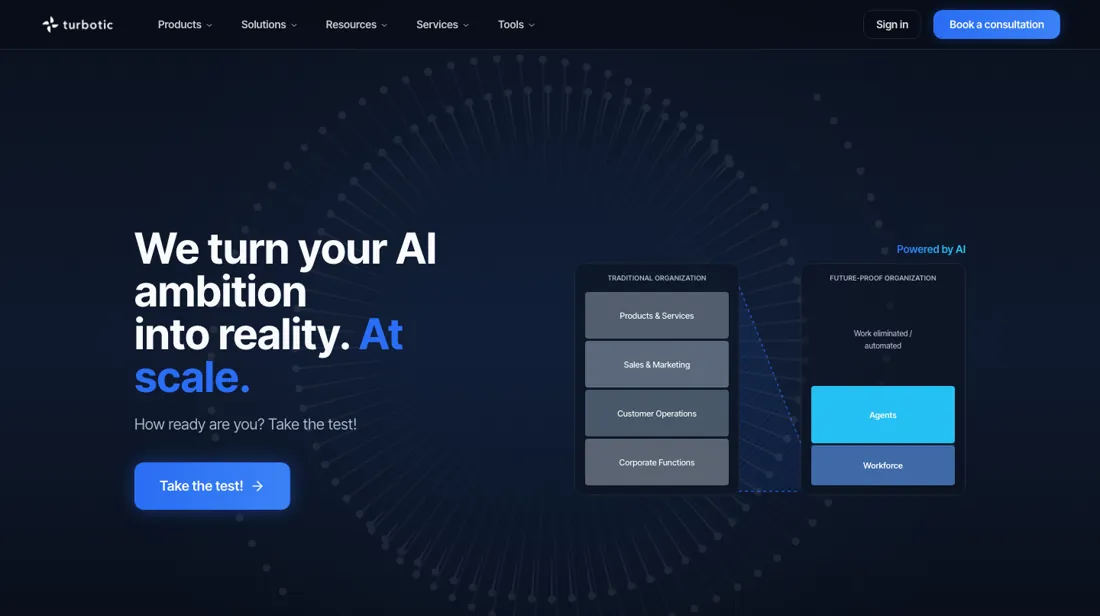
Enterprise automation orchestration. Manage your entire ecosystem of RPA, AI, and scripts from a single control tower.
What buyers report about Turbotic
Recurring themes from the buyer-review sites listed at the foot of this page, read in August 2026 (the G2 reviews themselves date from October 2021 to June 2022). We have not run Turbotic ourselves, so this is other buyers' experience rather than ours. We summarise it here because the complaints are usually the part a vendor page leaves out.
- • Vendor-agnostic by design — it sits over whichever RPA, ML or AI providers you already have rather than replacing them, which is the reason enterprises put it in.
- • Reviewers name the interface and the integrations, and the governance and ROI measurement is what distinguishes it from a workflow tool.
- • G2 reviewers describe one console showing real-time performance and ROI across several RPA vendors at once — UiPath, Automation Anywhere, Blue Prism, Power Automate — instead of checking each tool separately. One reports connecting an existing UiPath and Blue Prism fleet in under five minutes.
- • Automatic business-case creation and KPI tracking replaced error-prone Excel status trackers, which reviewers name as the reason stakeholders finally trusted the numbers.
- • Pricing is largely unpublished. The AI Assistant is $25 a seat per month with 1,500 credits included, read on Turbotic's own product page on 14 August 2026; the orchestration platform is quoted after a demo. That opacity makes it hard to evaluate as a first automation purchase.
- • There is no permanent free plan.
- • Its value depends on having a genuine automation portfolio to govern. If you want to connect two apps, this is the wrong shape of product.
- • The public review base is thin — we found no pattern of complaints, but also not much independent evidence either way.
- • On G2 the OCR and computer-vision layer is called not mature enough for the more complex cases, with worries about scale on very large deployments and stability after go-live.
- • Named as missing: alert and escalation management, communication management, and data import/export and extraction. Smaller snags too — how to add multiple users to an account is unclear, and it is hard to see which vendors are actually connected.
Where the ratings disagree. The G2 reviews are old enough to be about a different product. They date from late 2021 to mid-2022 and describe the 'Turbotic Delphi Operating System' — RPA orchestration, vendor consolidation and ROI dashboards — with no mention of the AI Assistant that Turbotic now leads with. Read them as evidence about the orchestration layer, not about the assistant seat you would buy today, and treat the thin, ageing public record as its own finding.
When the paid plan is worth it
Only one number on this product is public, and it is the small one: the Turbotic AI Assistant at $25 per seat per month, including 1,500 credits. There is no free plan and no self-serve trial, so the $25 seat is the trial — buy one, run your two or three highest-volume processes through it for a month, and measure how fast 1,500 credits actually burn. That figure is the only hard cost input you will own before a sales conversation.
Everything above the assistant is quote-only: turbotic.com/pricing is a demo-booking form with no figures on it, so whether the orchestration platform earns its price cannot be answered from outside. The credit model is where the risk concentrates. Per-execution billing is the opposite shape from a per-seat SaaS bill — adding people is cheap, adding throughput is not — so pin the per-run credit cost of any high-volume process down in writing before you sign.
Same for reach: Turbotic claims connectivity to over 200 systems but publishes no self-serve integration flow, and a platform that does not touch your actual stack is not cheaper at any price.
How to actually use Turbotic
Turbotic offers no free tier: the only published entry point is the Turbotic AI Assistant at $25 per seat per month with 1,500 credits included. The broader orchestration platform, which spans the automation lifecycle from monitoring through control and optimization, is quoted only after a scheduled demo. There is no self-serve trial to click through. Getting to first value means signing up for a seat, inviting teammates and creating a workspace, then connecting the assistant to the systems it will read from or act on.
The vendor claims connectivity to over 200 systems, from enterprise applications to SaaS tools and other data sources. That connection step is where the practical friction sits. There is no self-serve integration flow published on turbotic.com, and mapping existing enterprise or RPA systems into the platform is scoped during the vendor-led consultation rather than documented as an in-product setup wizard. So the real onboarding timeline depends on that sales conversation rather than anything visible on the website.
Distilled from turbotic.com pricing and product pages (turbotic-ai, orchestration, platform), fetched live 6 Aug 2026
The natural comparison is Zapier or Make — the established no-code automation platforms.
Frequently asked questions
What does Turbotic cost?
One number is public: the Turbotic AI Assistant at $25 per seat per month, including 1,500 credits a month, with more credits bought as needed — read on their own product page on 14 August 2026. Nothing else is. The orchestration platform, which is the part enterprises actually buy, is quoted after a demo, and turbotic.com/pricing carries no figures at all.
Why do other sites quote about $15 a seat?
Because comparison directories are repeating an older figure. Several still list a Professional tier at $14.99 per seat; Turbotic's own page says $25 with 1,500 credits included. When the vendor's page and a directory disagree, the vendor's page is the one you will be billed from.
Is there a free plan or a self-serve trial?
None that Turbotic publishes. No free tier is mentioned on the product page, and the pricing URL is a personalised-demo form rather than a signup — our own captures of that page in July and August 2026 both returned no priced content. Expect a sales conversation before you can evaluate anything beyond the assistant seat.
What should I weigh before buying Operations & Workflow software?
Usually it sits on top rather than replacing everything. Tools in this class tend to become the layer where work is tracked and handed off, while your existing systems stay the source of truth for their own data. Before you buy, map which tools it would replace outright and which it would merely sync with. If the answer is that it syncs with all of them, you are adding a layer rather than removing one.
Is this a hands-on review of Turbotic?
This is a researched assessment, not a hands-on test — where we've used a tool ourselves, we say so explicitly. We name what each tool is good and bad at, and we earn a commission only if you sign up, at no cost to you.
- Buyer reviews on PeerSpot, enterprise automation reviews and G2, read August 2026 (the G2 reviews themselves date from October 2021 to June 2022).
- Re-verified 2026-09-12, read on their own product page.
Others in this category
Reviewed operations & workflow tools that share ground with Turbotic — comparable in what they do, not drop-in swaps:
New reviews, price changes we recorded, and the cost conditions we found. No sponsored placements. Unsubscribe anytime.
This is our researched assessment — not a paid placement. The “Visit” links on this page are affiliate links: we may earn a commission if you sign up, at no extra cost to you, and it never changes our take. How we review →